How to choose your first microphone for YouTube, podcasting or streaming
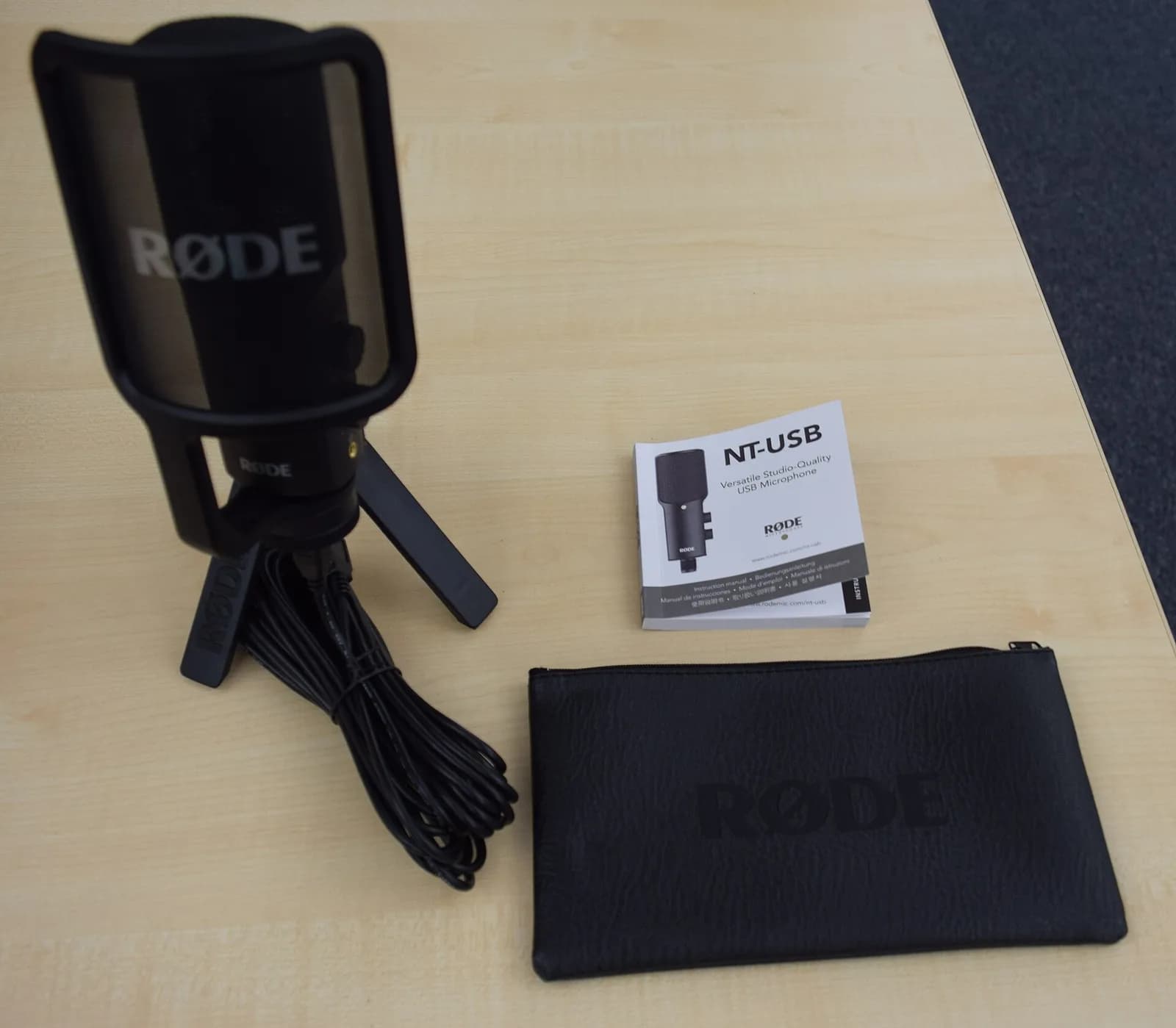
Photo: Martin Rulsch for Wikimedia Deutschland · CC BY-SA 4.0 · Wikimedia Commons
The microphone is the purchase you notice most in a video. Audiences forgive a so-so picture, but they leave quickly if the sound has echo, noise or uneven volume. This guide helps you decide in five questions.
1. Where will you record?
The room matters as much as the microphone. A room with bare walls, a hard floor and little furniture creates reverb; a very sensitive microphone will pick it all up.
If you record in an untreated room, a dynamic microphone is more forgiving: it mostly captures what's in front of it and close by. In a quiet space with furniture, rugs or curtains, a condenser will give your voice more detail and sparkle.
2. USB, XLR or both
A USB microphone plugs straight into the computer and works without drivers in most cases. It's the simplest way to start.
An XLR microphone needs an audio interface, but lets you improve your sound piece by piece (changing the interface, adding more microphones) and scales better to podcasts with several people.
Hybrid USB + XLR models are a good bet: you start with USB and, if you later buy an interface, you keep using the same microphone.
- Just you, at the desk: USB.
- Podcast with guests in the same room: XLR with an interface, or USB microphones compatible with mixing software.
- Not sure yet: hybrid USB + XLR.
3. Desk, on-camera or wireless microphone
For spoken content at the computer, a desk microphone or one on a boom arm is the most comfortable. If you record standing, walking or outdoors, a wireless lavalier system keeps the distance to your mouth constant even as you move.
Compact microphones that mount on the camera are a huge upgrade over the camera's internal microphone, and many models don't need batteries.
4. Details that make a difference
A headphone output lets you hear yourself with no delay while recording, which is very useful for catching noises in time. An easy-to-reach mute button saves you from surprises on stream.
24-bit quality gives you more headroom if you record a little low; in practice, microphone placement (a hand's width from your mouth, slightly to the side) matters more than the spec sheet.
5. Our recommendation by profile
Starting on a small budget: an affordable USB condenser microphone with its desk tripod. You want a radio sound and your room echoes: a hybrid USB + XLR dynamic on a boom arm. You film vlogs or interviews in the street: a wireless system with two transmitters.
Products in this guide

FIFINE K669B
Ideal for Beginners · Voice-over

Samson Q2U
Ideal for Podcast · Beginners

RØDE PodMic USB
Ideal for Podcast · Talking-head YouTube

Shure MV7+
Ideal for Podcast · YouTube

DJI Mic 2
Ideal for Vlogs · Interviews

RØDE VideoMicro II
Ideal for Vlogs · Cameras

